Why High-Liquidity Workspace Architecture Requires the Kensington SD5200T Matrix
Premium residential workspaces demand more than premium hardware. They require carefully engineered power, display, connectivity and physical infrastructure capable of supporting serious professional workloads.
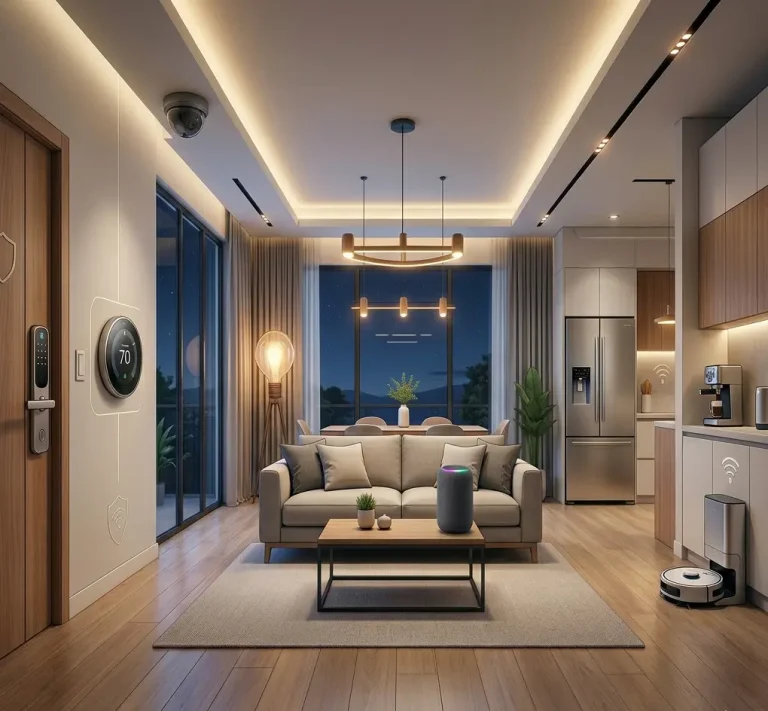
The luxury residential landscape across the Nairobi Metropolitan area is undergoing a profound architectural and financial shift. In the sprawling family compounds of Hardy and Miotoni in Karen, the diplomatic blue-zone estates of Gigiri and Rosslyn, and the cutting-edge, modern smart builds popping up in the Acacia enclave of Kitengela, high-liquidity individuals are moving away from traditional corporate setups. High-liquidity tech founders, elite financiers, logistics magnates, and production studio executives are building heavy-compute workspaces directly within their private properties.
However, these custom estates—built with dense masonry, thick stone barriers, and expansive structural footprints—present a unique infrastructure challenge. You cannot run a world-class workspace or a multi-screen developer environment on cheap, consumer-grade hubs. When you are pushing massive data arrays, rendering 4K video streams, or managing complex Direct-Attached Storage (DAS) frameworks, your local network setup and your physical desk topology must be treated as a unified, enterprise-grade engineering asset.
To deploy a true, full-stack luxury home office, every component must be integrated to eliminate bottlenecks. The brain of the setup relies on high-density computing beasts like the Apple Mac Mini or an elite M-Series MacBook Pro, paired with dual high-refresh 4K production monitors held in place by heavy-duty counterbalanced gas-strut monitor arms, all situated on a premium dual-motor standing desk. For acoustic monitoring and vocal clarity, the setup incorporates the iconic Bose Companion multimedia speaker system.
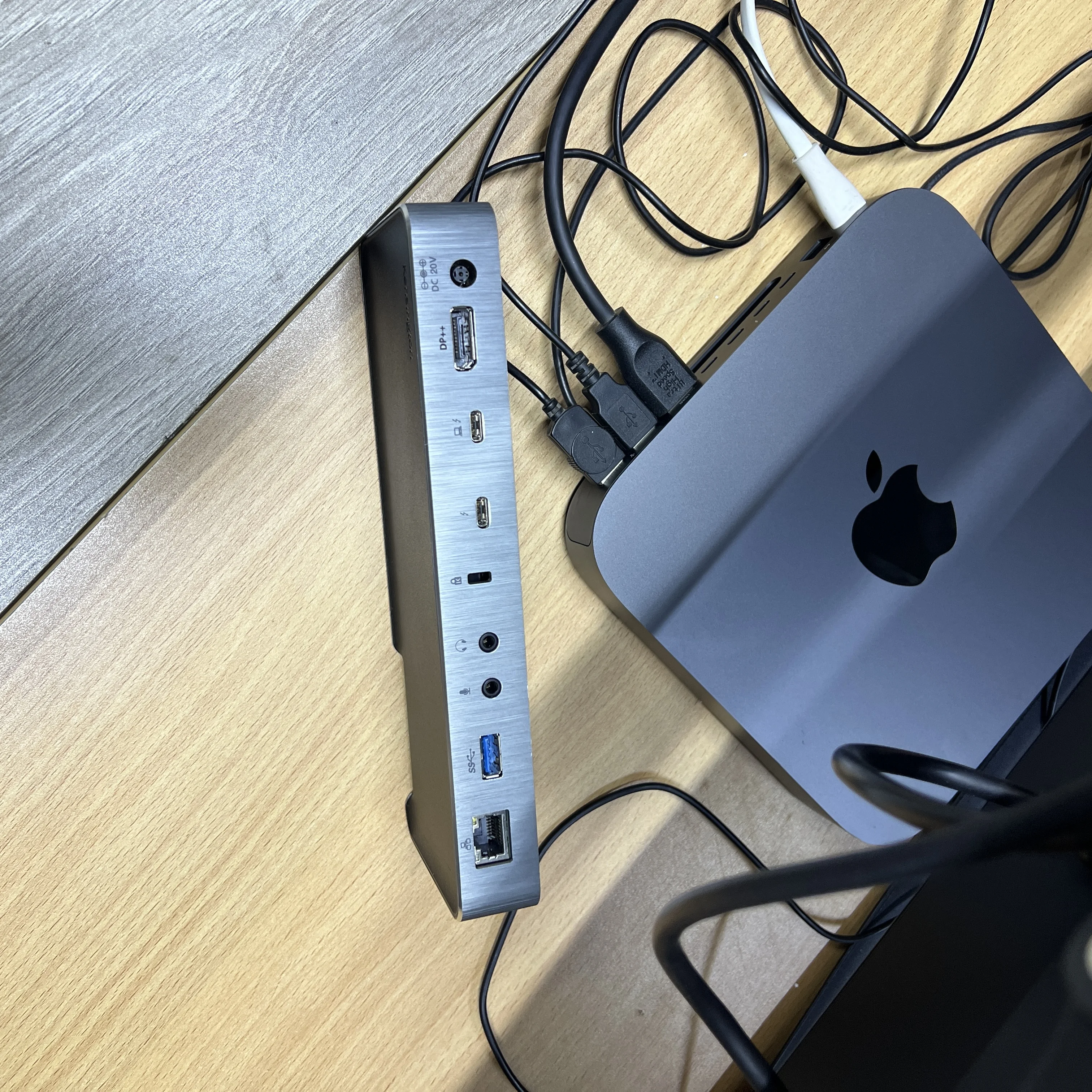
The Kensington SD5200T provides the central connectivity layer for high-density professional workspaces, bringing Thunderbolt 3 bandwidth, multi-display capability, power delivery and multi-host flexibility into one engineered desk environment. Proper integration matters, however, because demanding Dell and Apple systems require carefully matched power, display, cabling and workspace architecture to perform reliably.
The Kensington SD5200T at the Center of the Workspace
In a high-density home office, the docking station becomes the central interface between computing power, displays, peripherals, networking and the physical desk environment.
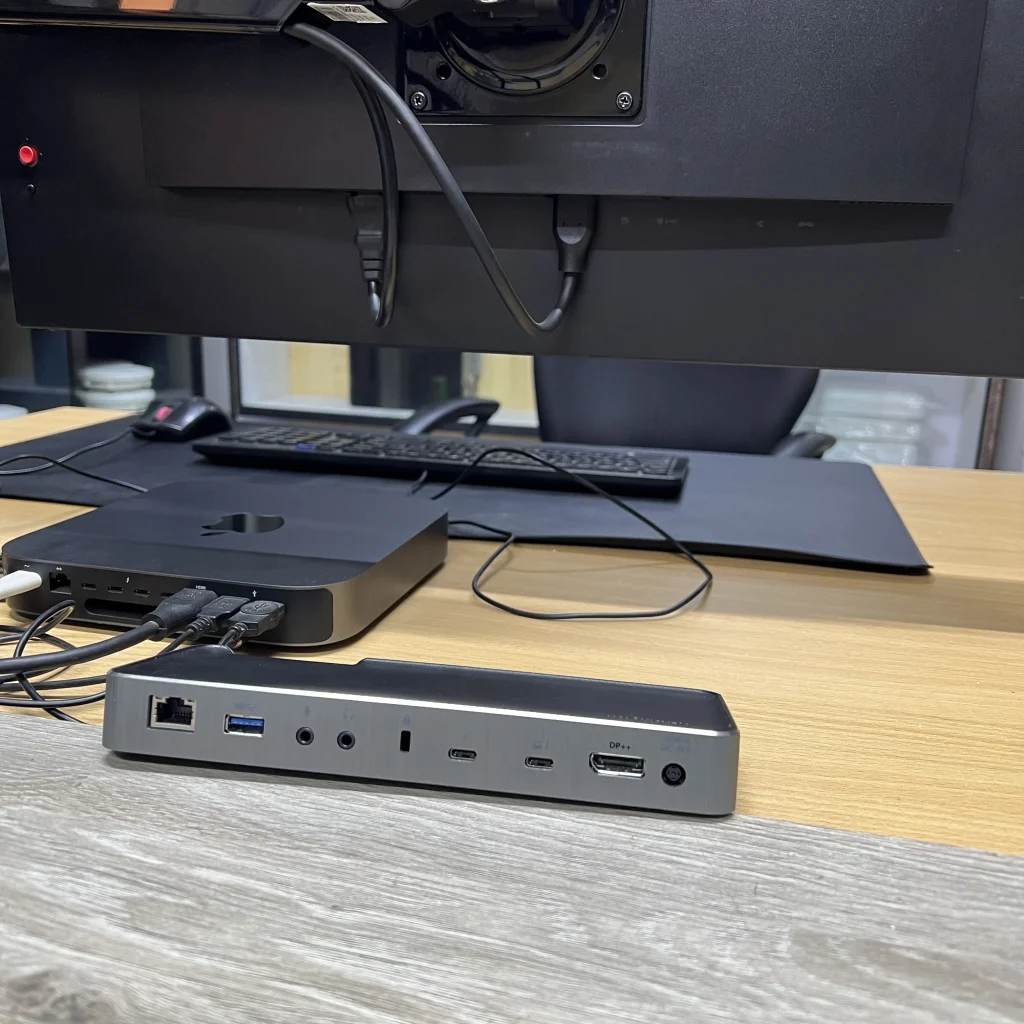
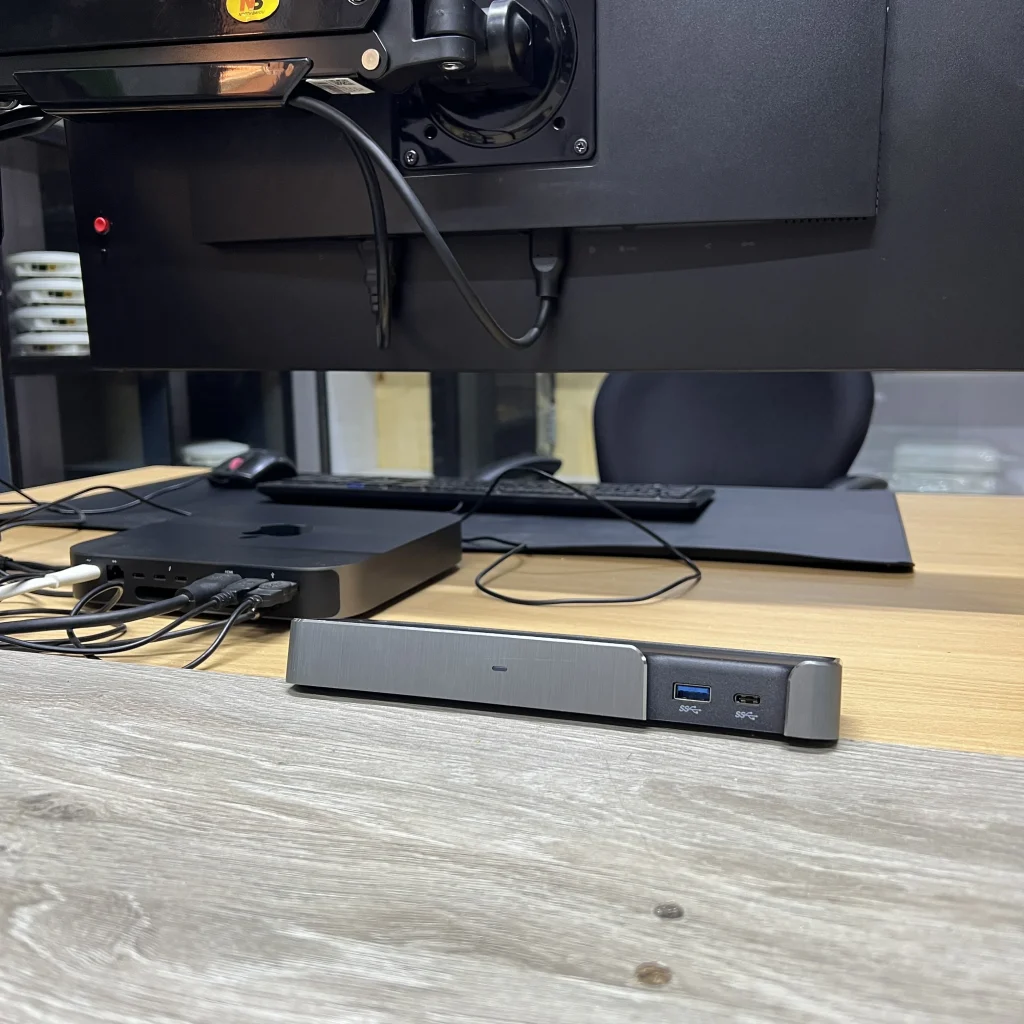
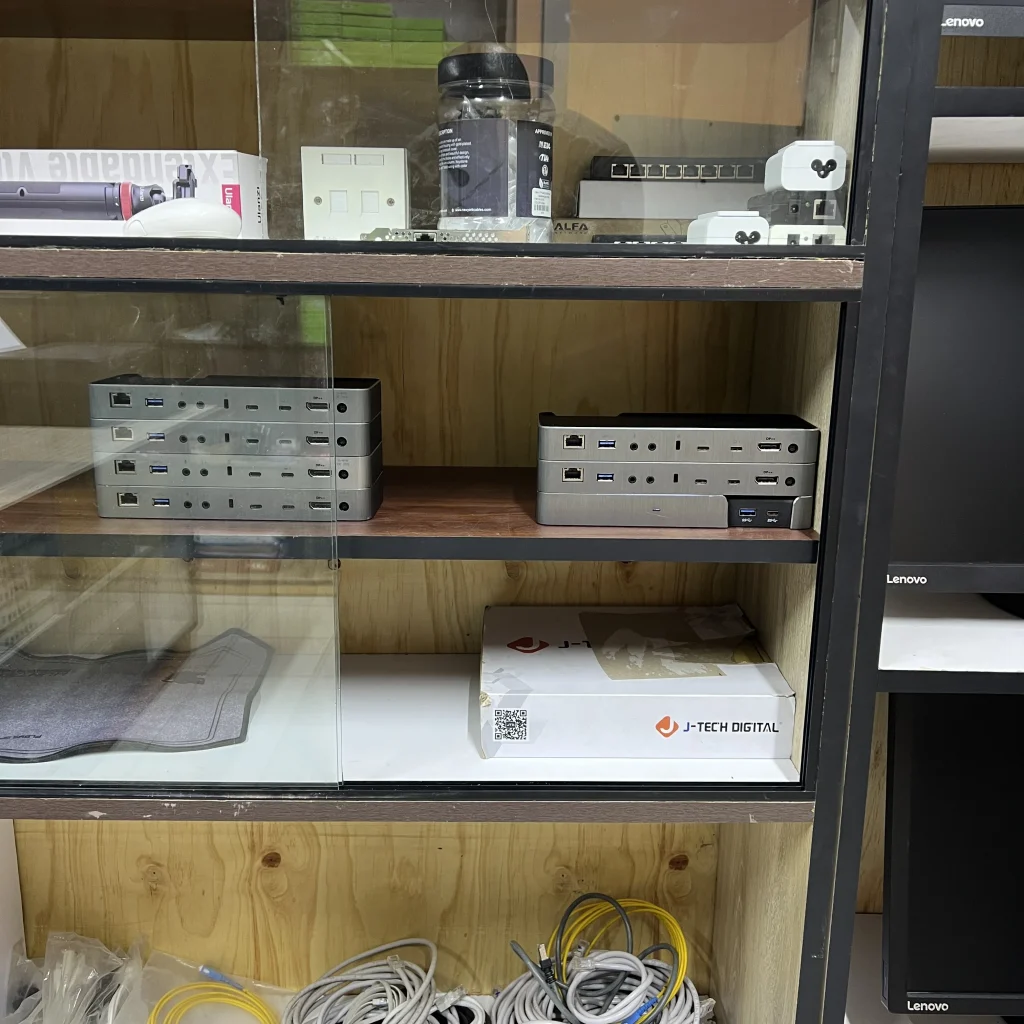
At the absolute center of this premium desk integration sits the Kensington SD5200T Thunderbolt 3 Docking Station.
But deploying this powerhouse dock in a high-ticket residential environment isn’t as simple as plugging in a few cables. It requires a deep understanding of physical hardware limits, electrical distribution, and data topology—precisely where a dedicated systems integrator like Qubit ICT Solutions comes into play.
The Core Technical Moat: The Dell 180W Power Supply Synergy
Professional mobile workstations can expose the limits of standard dock power delivery under sustained workloads.
Every consumer electronics store can sell you a standard USB-C hub, but a standard hub will instantly choke when faced with professional workstations. Out of the box, the Kensington SD5200T ships with a standard power supply designed to pass up to 85W of upstream USB-C Power Delivery (PD 2.0) to a host laptop. While this is sufficient for a lightweight ultrabook, it is an absolute bottleneck for heavy-duty engineering rigs like the Dell Precision Series, XPS 15/17, or Alienware mobile workstations.
Under intensive computing loads—such as compilation loops, 3D CAD rendering, or massive multi-stream audio-visual production—an undersized 85W supply triggers immediate problems:
- System Throttling: The workstation’s CPU and GPU actively downclock to preserve power, destroying the performance you paid for.
- Battery Drain Under Load: The laptop begins drawing auxiliary power from its internal battery even while plugged in, significantly degrading the battery’s lifespan.
- BIOS Alerts: The system flags persistent “Undersized Power Adapter Detected” alerts upon boot, halting automated remote workflows.
The Qubit Engineering Fix
To bypass this limitation, Qubit ICT Solutions custom-engineers the docking station’s power infrastructure. By precisely matching the dock’s barrel input electrical parameters (20V DC input via the standard 7.4mm*5.0mm center-pin positive layout), we integrate a high-capacity Dell 180W AC Power Supply Unit (PSU) into the deployment.
This structural upgrade ensures that the dock’s internal Intel Thunderbolt 3 controller and downstream peripheral logic boards run with absolute voltage stability. The system effortlessly delivers a clean, rock-solid 85W maximum charging threshold to the host laptop without thermal spiking or dropping peripheral links, even while driving full-load data pipelines.
Unlocking the Clamshell Matrix: Managing Apple M1 to M4 Chipset Realities
Apple Silicon introduces important display and power-management considerations that must be accounted for when designing a permanent multi-monitor workspace.
A common point of confusion for basic hardware retailers is how Apple’s M-Series chips handle external displays. If you plug a modern MacBook blindly into a dock, you will often find your second monitor completely blank. Qubit custom-architects the deployment based on the exact generation of your Apple Silicon:
The Entry-Level Silicon Constraints (Base M1, M2, and M3)
The base-tier M1, M2, and M3 chips (found in MacBook Airs and entry-level MacBook Pros) feature a hardware-level restriction: their internal display engines only support one single native external display over Thunderbolt.
The Clamshell Exception: On the base M3 MacBook, Apple introduced a workaround: you can run dual external displays, but only when the laptop lid is fully closed (Clamshell Mode).
The Modern Standard (M4 Base Chipset)
The M4 base chip natively supports dual external displays directly out of the box, significantly simplifying multi-screen layout configurations without requiring strict lid closures.
The Pro & Max Powerhouses (M1 Pro/Max through M4 Pro/Max)
For creators and developers running Pro or Max variations, the hardware handles dual or triple 4K monitors natively with the lid open or closed.
Master Waking via Clamshell Mode
To execute a flawless, zero-clutter execution, Qubit configures your MacBook to run in a streamlined Clamshell Mode. The MacBook is housed in a vertical, space-saving architectural stand.
Historically, older Intel MacBooks—such as the 16-inch A2141 (2019)—could be fully shut down, closed, and forced to cold-boot simply by injecting an external power spike down the Type-C line. Following that era, Apple modified its Secure Enclave and kernel-level power manager (IOPMrootDomain) on all Apple Silicon generations (M1 through M4). To prevent thermal runaway inside closed laptop bags and enforce physical encryption safety, an external power handshake can no longer cold-boot a completely shut-down, closed Mac.
Because of this hardware logic, Qubit bypasses the limitation by engineering a low-power sleep matrix. Apple Silicon is architected to draw less than 1W in static sleep states. By keeping the laptop in an optimized sleep configuration, the Kensington SD5200T passes continuous power delivery down the line to satisfy Apple’s closed-display power requirements. The client never needs to open the laptop lid to hunt for a power button. Tapping a key or moving a paired pointer sends a high-priority interrupt packet through the dock’s persistent data bus, waking the entire multi-monitor setup instantly.
Four reasons the SD5200T earns its place in a high-density workspace
High-Speed Thunderbolt Architecture
The Thunderbolt 3 foundation provides a high-bandwidth central interface for demanding data, display and peripheral workloads.
Multi-Display Capability
Properly configured, the dock supports sophisticated multi-monitor environments for developers, creators and professional users.
Multi-Host Flexibility
Thunderbolt and DisplayPort Alternate Mode compatibility allow the same workspace to accommodate different host computers.
Engineered Workspace Integration
When professionally integrated, the SD5200T becomes part of a unified desk architecture rather than another loose peripheral.
The Alt-DP Power-On Logic: The Multi-Host Fallback Bridge
A premium workspace may need to serve multiple computers without rebuilding the desk every time the host device changes.
The true genius of the Kensington SD5200T lies in its hybrid deployment stability. While it is fundamentally an uncompromised Thunderbolt 3 architecture pushing raw 40Gbps pipelines for high-tier Macs and Intel workstations, it features an integrated fallback layer: DisplayPort Alternate Mode (Alt-DP) over its Type-C interface.
If a corporate executive or visiting consultant plugs a non-Thunderbolt USB-C laptop into your desk layout, the dock doesn’t fail. It drops its controller down to an Alt-DP state. Through this bridge, it still utilizes the customized Dell 180W power pool to send up to 60W–85W of safe, negotiated smart power down the line, while dynamically downscaling the video matrix to support the guest machine. This gives your residential office true multi-platform agility—serving an Apple M4 Max rendering rig in the morning, and a corporate Windows laptop in the afternoon over the exact same single-cable interface.
The Full-Stack Home Office Topology
The docking station becomes most valuable when it is treated as part of a complete physical and digital workspace ecosystem.
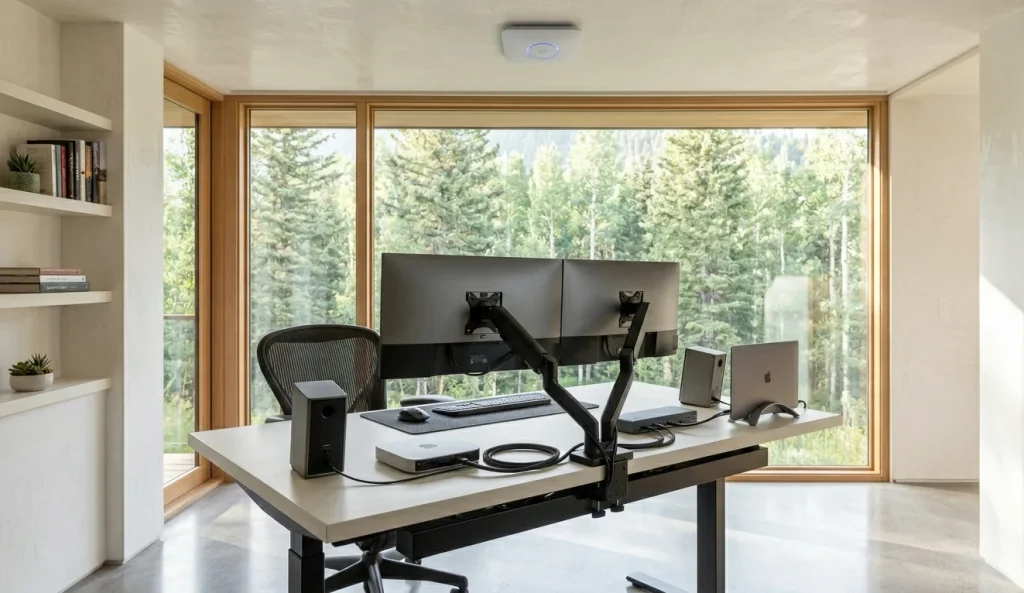
When Qubit ICT Solutions designs a workspace ecosystem for a high-net-worth client, we engineer the layout around a centralized data and structural layout:
Why Elite Homeowners Trust Qubit ICT Solutions
Premium hardware is only one part of a high-performance workspace. The remaining value comes from professional systems engineering.
Buying premium hardware is only 20% of the equation; the remaining 80% is professional systems engineering. High-net-worth homeowners across the Nairobi Metropolitan area rely on Qubit ICT Solutions because we don’t just sell components—we engineer complete technological environments.
When you hire Qubit to design your home office or studio backbone, you are investing in a verified system:
- Hardware Synergy & Safety: We analyze the exact voltage, amperage, and thermal tolerances of your workstation ecosystem (such as mapping the Dell 180W power matrix onto the Kensington dock) to prevent component degradation or fire hazards.
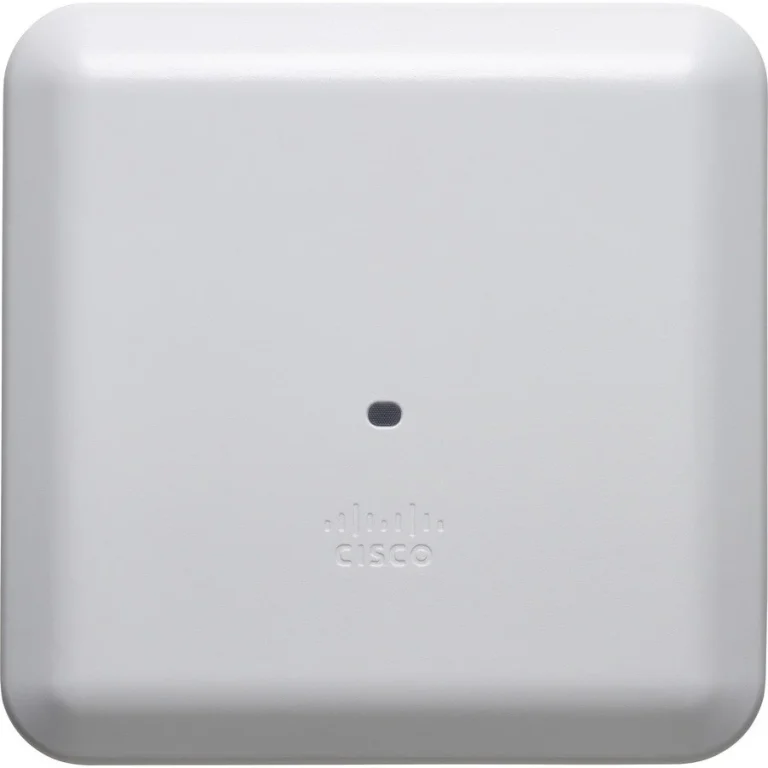
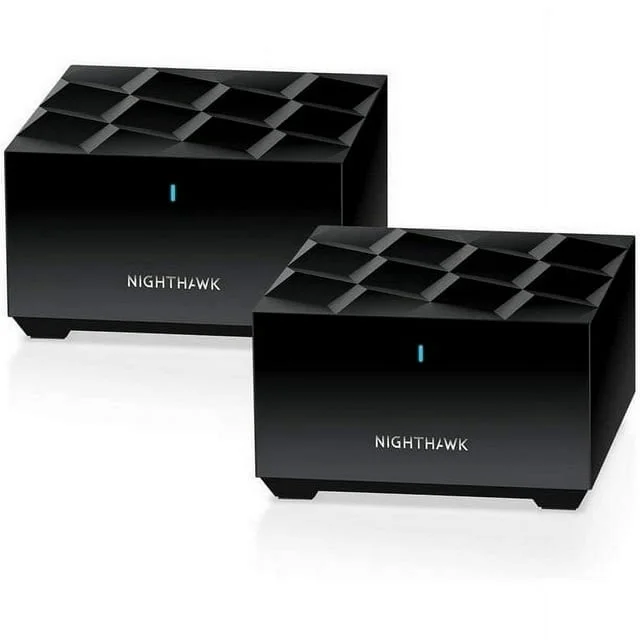
- Advanced Network Integration: We seamlessly bridge your desk layout into high-performance network structures, utilizing enterprise-grade Ubiquiti UniFi or Ruckus wireless configurations to eliminate local ISP bottlenecks and dead zones.
- Flawless Execution: From early architectural consulting to clean physical cable management and workspace restoration, we ensure your tech is as visually pristine as it is high-performing.
Build the Workspace Around the Work
Buying premium hardware is not enough when the surrounding infrastructure introduces bottlenecks. The Kensington SD5200T becomes considerably more valuable when its power delivery, display architecture, networking, cabling and physical workspace are engineered as one system.
Don’t let cheap hardware configurations slow down your professional output. Upgrade your workspace infrastructure with a team that understands deep technical execution.
Ready to Build Your High-Density Workspace?
A serious workspace combines computing power, display architecture, connectivity, ergonomics and professional systems integration.
At Qubit ICT Solutions, we don’t just sell components—we engineer complete technological environments. Whether you are building a private executive office, developer workspace, production studio or high-density home office, the objective is the same: eliminate bottlenecks and create a system that works as one.
Don’t let infrastructure become the weakest link in a premium workspace.
- Custom Workspace Engineering: Designed around your specific hardware, room dimensions and workflow.
- Power & Connectivity Integration: Professional configuration of docking, network and peripheral infrastructure.
- Clean Physical Execution: Structured cable management and installation designed to preserve both performance and aesthetics.
Ready to eliminate the bottleneck?
Talk to Qubit ICT Solutions about designing a workspace where your computing, displays, power and network infrastructure work together.